⚠ Please note the sequence: if you need to delete a show and also add a second ticket to an event, delete the show first. Deleting a show reloads the list and erases any second shows or edits made before the deletion.
Choose the start date and number of shows to display
Currently showing 10 show(s) starting from Nov 9, 2026
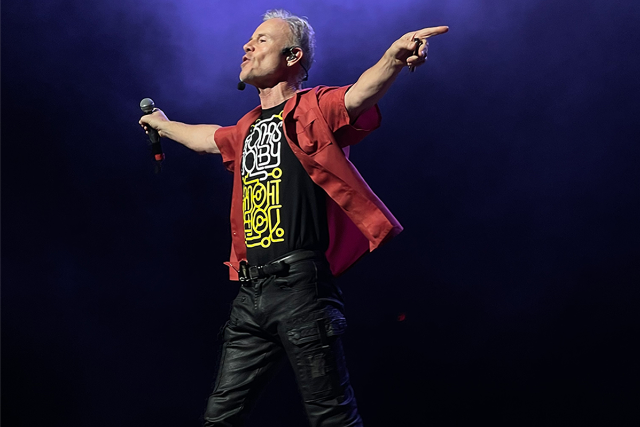
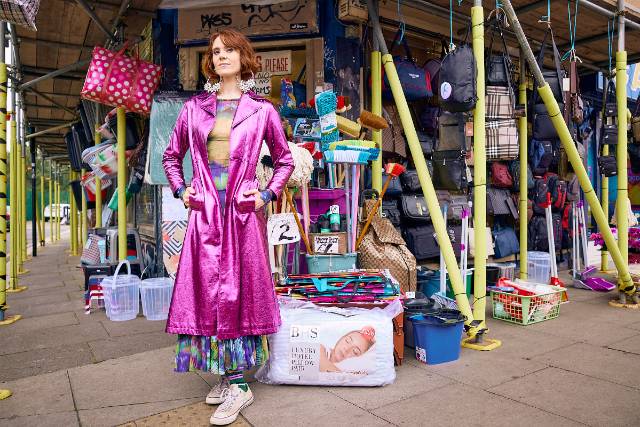
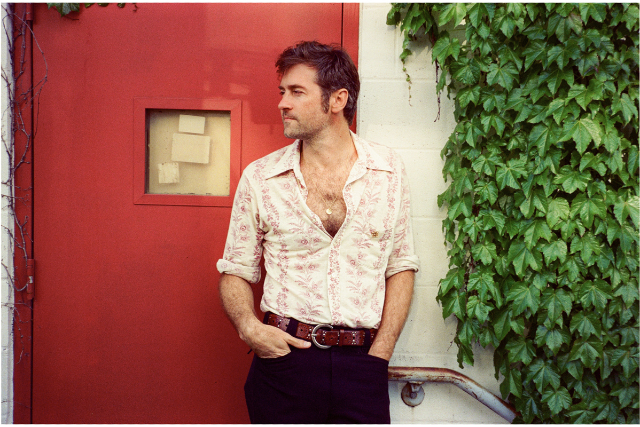
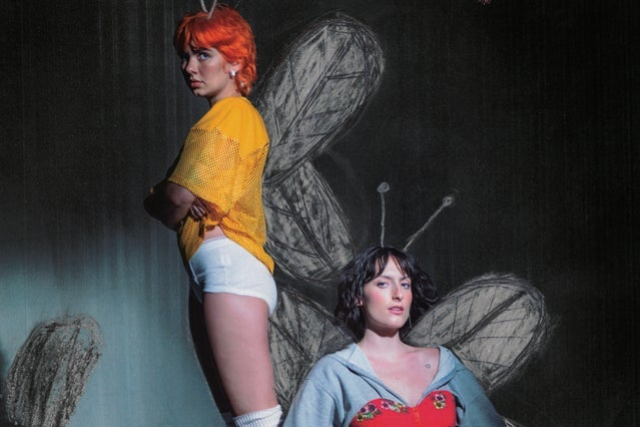
Editing Mode: Click on any text to edit. Each poster's URL appears under its image with the image's real pixel size and aspect ratio — anything that isn't 3:2 is flagged in amber. Paste a replacement URL over the old one, then press Tab or Enter to see it swap in place. Click "Save Changes" when done.
Delete Mode: Check the shows to remove, then click "REMOVE SELECTED". The next upcoming shows will fill in automatically.
Two Ticket Events: Check "Add Second Show" under any show that repeats (early/late show or consecutive dates), then click "ADD SECOND SHOWS". A second date and ticket button will appear, ready to edit. Unchecking a show that already has one removes it.